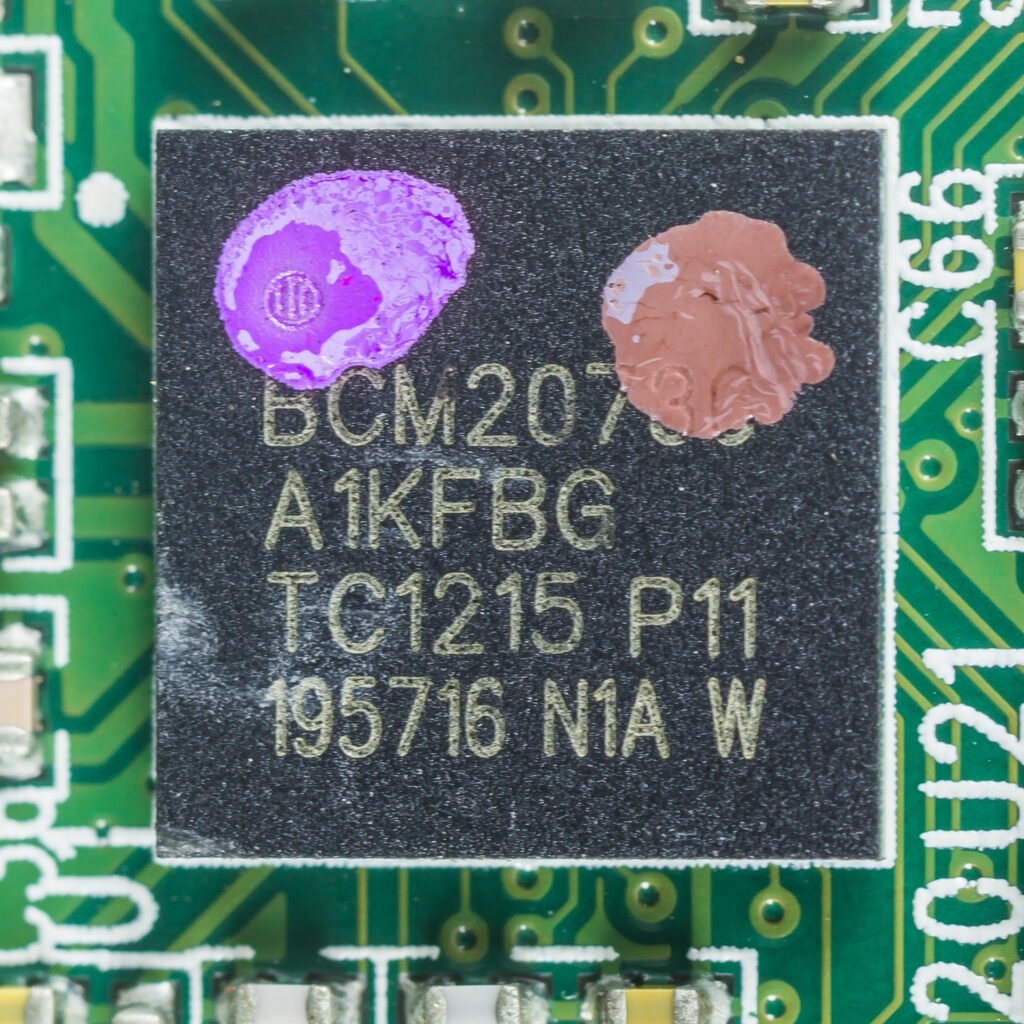
Bluetooth works by having two radios hold a rapid, choreographed conversation on a crowded slice of spectrum that also carries Wi-Fi, microwave-oven leakage, and dozens of other nearby gadgets. The real trick is not making the connection — it is keeping that connection alive in all that noise, which is what most of the technology underneath Bluetooth is actually built to do.
A Crowded Radio Band
Bluetooth transmits in the 2.4 GHz ISM band, an unlicensed frequency range shared with Wi-Fi, microwave ovens and countless other wireless devices around a typical home or office. Rather than picking one frequency and hoping for the best, it splits that band into channels — 40 of them for Bluetooth Low Energy, with 37 carrying general data and 3 reserved for advertising a device’s presence to others nearby. That split is what lets a phone find a new pair of earbuds in the first place, before the two devices have ever exchanged a byte of actual data.
Why Bluetooth Rarely Drops the Connection
Paired devices constantly jump between channels using a shared, synchronized pattern called a channel selection algorithm, so both sides always know which frequency to use next without needing to renegotiate. This is adaptive frequency hopping, and the “adaptive” part is what matters in practice: the connection continuously tracks which channels are being stepped on by interference, marks them unused, favors the clean ones, and revisits a problem channel later if it clears up. That is the mechanism behind Bluetooth mostly shrugging off a busy router or a running microwave instead of cutting out entirely.
Classic Bluetooth vs. Bluetooth Low Energy
Modern Bluetooth chips support two distinct radio modes, and the difference explains why a fitness tracker and a pair of headphones behave so differently on battery life. Classic Bluetooth keeps its radio continuously active during a connection, which suits high-throughput jobs like streaming stereo audio at up to roughly 3 Mbps, but drains a battery fast. Bluetooth Low Energy (BLE), introduced with Bluetooth 4.0, was built specifically to sip power: it wakes the radio only when there is data to send, then goes straight back to sleep, which is why a fitness tracker or smart-home sensor can run for months or years on a single coin-cell battery instead of hours between charges. The tradeoff is speed — BLE’s standard data rate tops out around 1 to 2 Mbps, plenty for sensor readings and notifications but not ideal for high-fidelity audio, which is why true wireless earbuds have historically leaned on Classic Bluetooth or, more recently, a purpose-built BLE Audio mode using the efficient LC3 codec.
How Devices Pair and Stay Linked
Pairing is the handshake where two devices exchange security keys and remember each other so future connections skip that step entirely. Classic Bluetooth organizes connected devices into a piconet — a small network with one master device coordinating up to seven active peripherals at once, like a phone juggling a keyboard and a set of speakers without the two ever interfering with each other. BLE is more flexible: it supports everything from simple one-to-one links to broadcast beacons any nearby phone can pick up, and mesh networks where dozens of devices relay data to each other, the model behind many smart lighting systems that can span an entire house from just a handful of hubs.
Why Range Varies So Much Between Devices
Real-world Bluetooth range depends heavily on which power class a chip uses and what is physically standing in the way. Everyday earbuds and phones typically manage a reliable 10 meters or so indoors before walls and interference degrade the link. Bluetooth 5’s long-range mode trades data rate for a stronger, more error-tolerant signal, and can stretch a connection well beyond that distance in open space — a difference worth checking for before assuming a device is broken just because it drops out across a house rather than across a room.