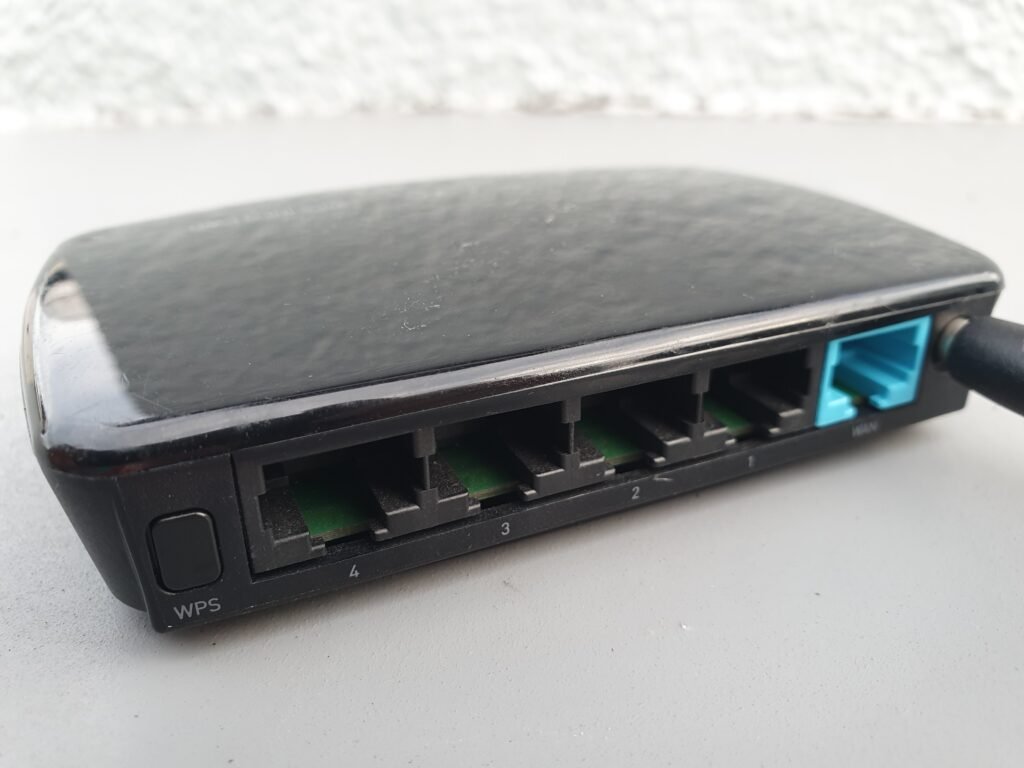
Wi-Fi works by turning the wired internet connection coming into your house into radio waves, using frequencies far higher than a car radio, then decoding those waves back into data on the other end. It feels instant because the whole exchange happens in a fraction of a second, but underneath it is closer to a two-way radio conversation than to magic.
How Wi-Fi Turns a Cable Into a Signal
Your internet still arrives at the house the ordinary way, over a physical cable from your provider. A router’s job is to take that wired signal, convert it into a stream of ones and zeros, and broadcast it as a radio wave from its antennas. Every device on the network — laptop, phone, smart speaker — carries a matching radio that picks up that wave, decodes it, and sends its own replies back the same way. That two-way radio link is the entire mechanism; there’s no cable involved for the last stretch.
Why Routers Use Two (or Three) Frequency Bands
Most routers broadcast simultaneously on 2.4 GHz and 5 GHz, and newer ones add a third band at 6 GHz. Frequency here just means how fast the radio wave oscillates, and it decides the trade-off: the 2.4 GHz band’s slower, longer waves travel farther and push through walls more easily, often 150 feet or more indoors, but they carry less data at once. The 5 GHz band’s faster, shorter waves carry far more data but cover roughly half the distance and fade quickly through walls and floors. That’s why moving a laptop to the far side of the house can quietly bump it onto the slower, longer-range band without anyone noticing.
Joining a Network Is a Fast Negotiation, Not an Instant One
Connecting isn’t instantaneous so much as very quick. A device sends out a probe request looking for nearby networks, the router answers with its name and address, the device asks to join, and the two run through an encrypted exchange — often called a four-way handshake — before the device gets its own address on the network. All of it typically finishes in under a second, which is why it feels instant even though several separate steps just happened.
How a Houseful of Devices Avoid Talking Over Each Other
A household with a dozen connected devices sharing one radio channel sounds like it should be chaos, and it mostly isn’t because every device follows the same shared rulebook, the 802.11 standards, plus one polite rule: listen before transmitting, and only speak when the channel sounds clear. If two devices transmit at the same instant anyway, both back off for a small, randomized amount of time before trying again — less a conversation than a room full of people taking quick turns rather than talking over one another.
What Actually Slows a Wi-Fi Connection Down
Distance from the router matters, but it’s rarely the only culprit. Thick walls, metal filing cabinets, large mirrors, and even fish tanks absorb or deflect radio waves, and neighboring networks broadcasting on the same channel compete for the same airspace — one reason apartment buildings tend to have messier Wi-Fi than houses. The practical fix is unglamorous: place the router somewhere central and elevated, out in the open rather than inside a cabinet, and away from thick walls and large appliances.