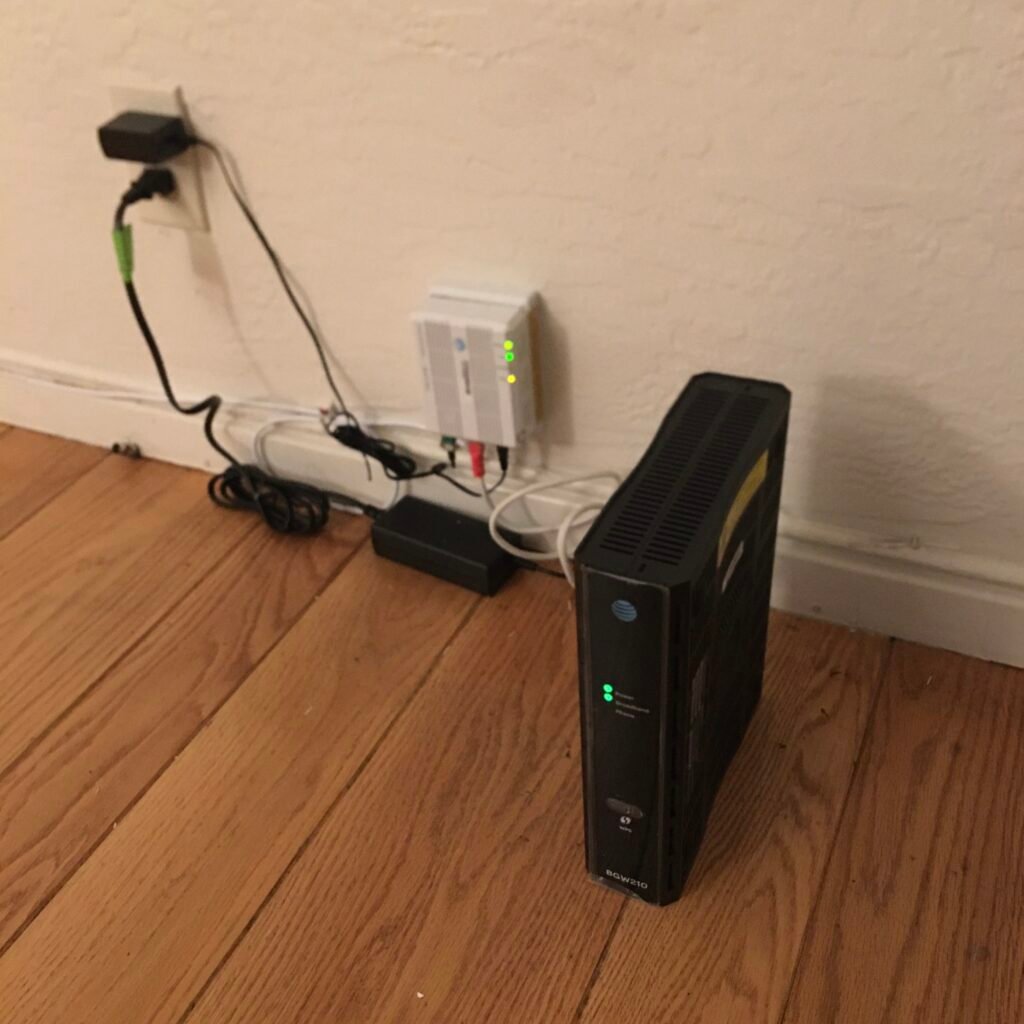
Wi-Fi is a wireless networking technology that lets devices such as laptops, phones, and smart home gadgets connect to a local network and the internet without a physical cable, using radio waves to transmit data over short to moderate distances. Named as a catchy, marketable alternative to its more technical formal name, Wi-Fi is built on a family of standards maintained by the Institute of Electrical and Electronics Engineers, known collectively as the 802.11 standards, which define exactly how devices should format and transmit data over the airwaves so that equipment from many different manufacturers can reliably communicate with one another.
How Wi-Fi Moves Data
A Wi-Fi network is organized around a wireless access point, often built into a home router, which broadcasts a signal that nearby devices can detect and connect to. Data travels as radio waves on specific frequency bands, most commonly around 2.4 gigahertz and 5 gigahertz, with newer equipment increasingly supporting a 6 gigahertz band as well. Lower frequency bands travel farther and pass through walls more easily but carry less data at once, while higher frequency bands support much faster data transfer at close range but lose strength more quickly over distance and struggle to pass through solid obstacles, which is why a Wi-Fi network often performs noticeably differently depending on which band a connected device is using and how far it sits from the access point.
Multiple devices sharing the same Wi-Fi network take turns transmitting on the same radio channel, using techniques built into the 802.11 standards to detect when the channel is busy and avoid two devices broadcasting at exactly the same moment and corrupting each other’s signals. As more devices join a single network and more neighboring Wi-Fi networks compete for the same limited set of radio channels, available speed for any one device can drop noticeably, which is one of the main reasons busy apartment buildings, offices, and public venues often experience slower and less reliable Wi-Fi than a lightly used home network would.
Standards, Speed, and Security
Each generation of the 802.11 standard has introduced faster maximum speeds, improved handling of many simultaneous connected devices, and better use of available radio spectrum, and these generations are now commonly marketed using simple consumer-friendly names such as Wi-Fi 5, Wi-Fi 6, and Wi-Fi 7 rather than their original technical standard numbers. Beyond raw speed, each generation has also generally improved how efficiently a network handles the growing number of connected devices found in a typical modern household, from phones and laptops to smart speakers, televisions, and security cameras all competing for airtime on the same network.
Because Wi-Fi signals travel openly through the air and can be picked up by any nearby device with the right equipment, encryption is essential to keeping transmitted data private. Modern Wi-Fi networks use protocols such as WPA3, the current security standard, to scramble data so that only devices with the correct network password can make sense of it, replacing older standards, including the original WEP protocol, that have since been found to contain serious security weaknesses. Using an outdated or weak Wi-Fi security standard, or no password protection at all, leaves a network vulnerable to eavesdropping and unauthorized use by anyone within radio range.
From Lab Project to Household Staple
The technology behind Wi-Fi traces back to research in the 1980s and 1990s into wireless local area networking, with the first version of the 802.11 standard published in 1997 offering speeds far slower than even modest home internet connections provide today. The Wi-Fi Alliance, an industry group formed shortly afterward, created the Wi-Fi brand name and certification program specifically to guarantee that products from different manufacturers built to the same 802.11 standard would actually work together reliably, addressing a real concern in the early days of wireless networking when compatibility between devices from different companies was far from assured.
Wi-Fi adoption accelerated quickly through the 2000s as laptops began shipping with wireless capability built in by default and public Wi-Fi became common in cafes, airports, and offices. The technology has since become so central to how people connect to the internet that many modern homes rely on Wi-Fi for the overwhelming majority of their connected devices, with wired connections increasingly reserved only for equipment that demands the most consistent possible speed, such as a desktop gaming computer or a smart television used for high-resolution video streaming.
Frequently Asked Questions
What is the difference between Wi-Fi and the internet? Wi-Fi is a wireless technology for connecting devices to a local network, while the internet is the vast global network of interconnected networks that the local network, in turn, connects to through a router and an internet service provider. A device can be connected to Wi-Fi without having internet access, for example if the router itself has lost its upstream connection.
Why does Wi-Fi get slower with more connected devices? Devices on the same Wi-Fi network share the same limited radio channel and must take turns transmitting, so as more devices actively use the network at once, each one gets a smaller share of the available airtime and bandwidth, which is especially noticeable when several devices are simultaneously streaming video or transferring large files.
Is Wi-Fi the same thing as Bluetooth? No. Both are short-range wireless technologies, but Wi-Fi is designed for higher-speed networking, typically connecting devices to a shared network and the internet, while Bluetooth is designed for lower-power, shorter-range direct connections between individual devices, such as a phone and a pair of wireless headphones.
Key facts
- Wi-Fi is based on the IEEE 802.11 family of standards.
- It typically operates on 2.4, 5, and increasingly 6 gigahertz frequency bands.
- Devices on the same network share and take turns using the same radio channel.
- Newer generations are marketed as Wi-Fi 5, 6, and 7.
- WPA3 is the current standard for encrypting Wi-Fi traffic.
In the news
Quick checkWhy does Wi-Fi performance often depend on distance from the router?Show answer
Higher-frequency Wi-Fi bands carry more data but lose strength faster over distance and struggle to pass through walls, while lower-frequency bands travel farther at the cost of slower speeds, so performance naturally changes with distance and obstacles.
Sources
- IEEE 802.11 standard documentation; Wi-Fi Alliance technical overviews
Editorially reviewed by Specialty Digest Editorial TeamLast reviewed November 2, 2026Researched and drafted with AI assistanceReport an issue